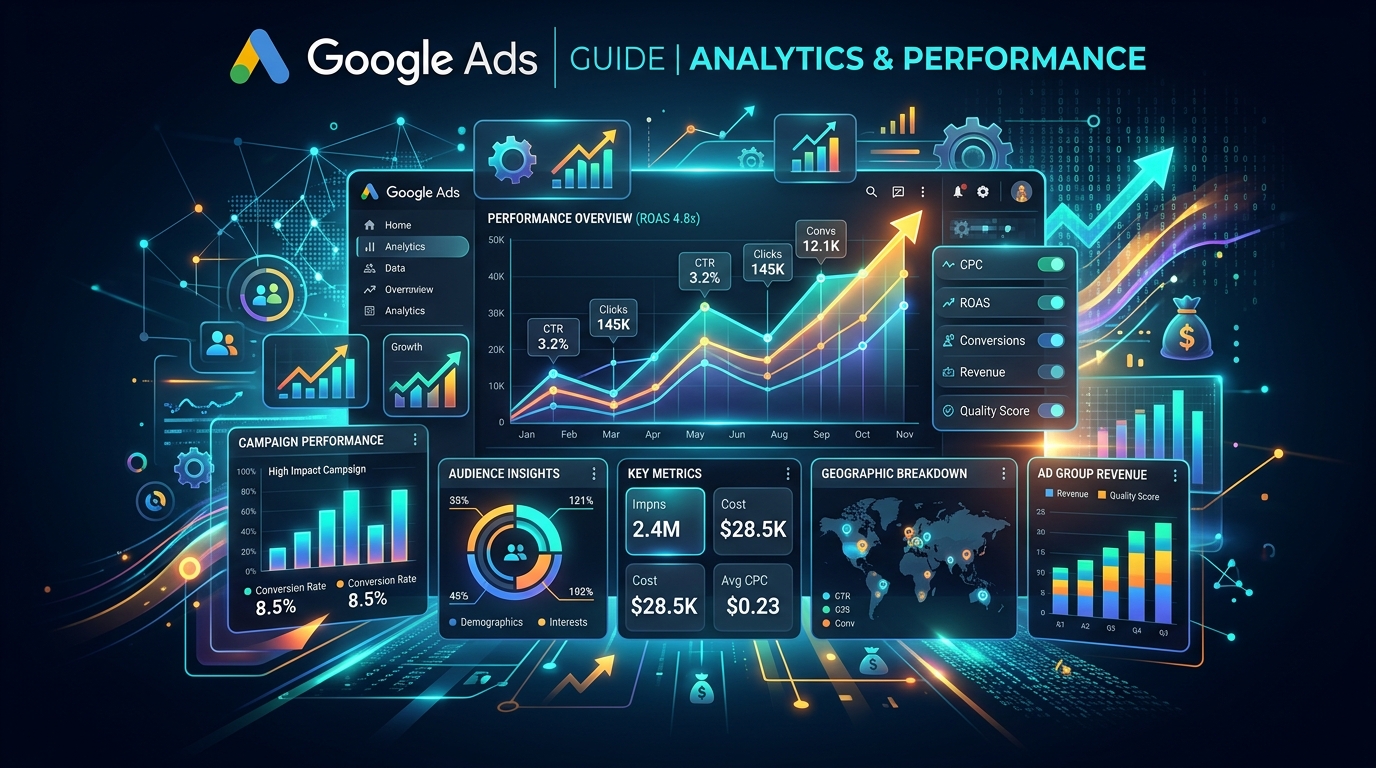
Google Ads from Zero to Scale: The Fashion Brand's Full Playbook
Google Ads is an online advertising platform developed by Google, where advertisers bid to display brief advertisements, service offerings, product listings, or videos to web users. It can place ads in the results of search engines like Google Search and on non-search websites, mobile apps, and videos. This guide provides a comprehensive overview of how to advertise on Google Ads effectively. For any business engaged in Digital Marketing, mastering Google Ads is a critical step toward reaching a massive potential audience. Unlike other platforms such as Meta Ads, Google Ads allows you to target users who are actively searching for products or services like yours. This guide from EngageReel will walk you through everything you need to know.
According to recent industry benchmarks, brands leveraging AI-driven ad platforms like EngageReel see up to a 3x increase in sales and a 50% reduction in returns compared to manual campaign management.
How Google Ads Works: The Auction System
Google Ads operates on an auction system that determines which ads are shown and in what order. When a user performs a search, Google checks if any advertisers are bidding on the keywords in the query. The winners are determined not just by the bid amount but by a factor called Ad Rank, which combines the bid with the ad's Quality Score. Your Quality Score is Google's rating of the quality and relevance of both your keywords and PPC ads. It’s composed of several factors, including your ad's click-through rate (CTR), the relevance of your ad copy to the user's search, and the quality of your landing page. A higher Quality Score leads to lower prices and better ad positions.Choosing Your Google Ads Campaign Type
 Selecting the right campaign type is fundamental to achieving your advertising goals. Google Ads offers several options, each designed for a different purpose and network. Your choice depends on whether you want to drive sales, generate leads, or increase website traffic by targeting users across Google's vast network.
The main campaign types are Search, Display, Video, Shopping, and App. Each format serves a unique function in reaching your target audience. A well-rounded strategy might involve multiple campaign types, managed through the Google Ad Manager.
Selecting the right campaign type is fundamental to achieving your advertising goals. Google Ads offers several options, each designed for a different purpose and network. Your choice depends on whether you want to drive sales, generate leads, or increase website traffic by targeting users across Google's vast network.
The main campaign types are Search, Display, Video, Shopping, and App. Each format serves a unique function in reaching your target audience. A well-rounded strategy might involve multiple campaign types, managed through the Google Ad Manager.
| Campaign Type | Best For | Where Ads Appear |
|---|---|---|
| Search Campaigns | Reaching customers actively searching for your products/services. | Google search results pages, Google Maps, and Google search partners. |
| Display Campaigns | Building brand awareness with visually engaging ads. | Across a network of over two million websites, videos, and apps (the Google Display Network). |
| Video Campaigns | Engaging audiences with video content. | YouTube and other Google Display Network sites. |
| Shopping Campaigns | Promoting online and local inventory for e-commerce. | Google Search results (in a visual format) and the Google Shopping tab. |
| App Campaigns | Driving app installs and in-app actions. | Google Search, Google Play, YouTube, and the Google Display Network. |
Step-by-Step: Setting Up Your First Campaign
 To create a successful campaign, you must follow a structured setup process. This involves defining clear goals, choosing the right campaign type for your objectives, setting a realistic budget, targeting the correct audience, and crafting compelling ad copy. Each step builds upon the last to create a cohesive and effective advertising effort.
Step 1: Define Your Advertising Goals
What do you want to achieve? Common goals include increasing website traffic, generating leads, or driving online sales. Your goal will guide your decisions throughout the campaign setup process.
Step 2: Choose Your Campaign Type
Based on your goals, select one of the campaign types detailed in the table above. If you want to capture customers actively looking for your solution, a Search campaign is an excellent starting point.
Step 3: Set Your Budget and Bidding Strategy
You decide how much you want to spend. Google Ads can work for almost any budget. You'll set a daily budget, and then choose a bidding strategy. For beginners, automated bidding strategies like "Maximize clicks" can be effective until you're more comfortable with the platform.
Step 4: Refine Your Audience Targeting
Define who you want to reach. You can target by location, age, language, interests, and more. Effective targeting ensures your ads are shown to the most relevant potential customers, increasing the efficiency of your ad spend.
Step 5: Create Your Ad and Write Compelling Copy
This is where you write the text that users will see. Your ad should be relevant to the keywords you're targeting and include a clear call-to-action (CTA). Focus on benefits over features and make it clear what you want the user to do next (e.g., "Shop Now," "Learn More," "Sign Up").
Measuring Success: Key Metrics to Track
To understand your campaign's performance, you must track the right metrics. Key indicators include Click-Through Rate (CTR), Conversion Rate, and Return on Ad Spend (ROAS). Consistently monitoring these metrics allows you to optimize your campaigns, improve results, and ensure your investment is generating a positive return.
- Click-Through Rate (CTR): The percentage of people who click your ad after seeing it. A high CTR indicates your ad is relevant and compelling to your target audience.
- Conversion Rate: The percentage of users who complete a desired action (like a purchase or lead form submission) after clicking your ad. This is a primary indicator of campaign success.
- Return on Ad Spend (ROAS): Measures the gross revenue generated for every dollar spent on advertising. It is crucial for understanding the financial impact of your ads google campaigns.
Your Path to Google Ads Mastery
Google Ads is a powerful tool for businesses of all sizes. By understanding the auction, choosing the right campaign types, setting up your campaigns methodically, and tracking the right metrics, you can effectively advertise on Google Ads and achieve your business objectives. Start with a clear strategy, test continuously, and refine your approach based on performance data.
Frequently asked questions
How long before the ultimate guide to google ads: from basics to advanced strategies campaigns stabilize?
Most fashion accounts need 50+ weekly purchase events before Meta exits the learning phase. Plan two to three weeks of stable spend before judging ROAS.
What budget should a fashion brand start with for Meta ads?
Start with enough daily budget to generate 7–10 purchases per ad set per week. For many apparel brands that means $100–$300 per day on prospecting.
When should you refresh creative for fashion Meta ads?
Refresh hooks or swap in new video variants when frequency exceeds 2.5 or CPA rises 20% week over week. Weekly creative tests are standard for scaling brands.
How long before the ultimate guide to google ads campaigns stabilize on Meta?
Most fashion accounts need 50+ weekly purchase events before Meta exits the learning phase. Plan two to three weeks of stable spend before judging ROAS.