
Performance Max vs Search Campaigns in 2026: Which Should You Start With?

Google heavily promotes Performance Max, but for a new account or one with unverified tracking, it’s not always the right first step. This guide provides a clear framework for deciding—and a timeline for when to expand.
- What Performance Max and Search campaigns are in 2026.
- A side-by-side comparison for at-a-glance decisions.
- Clear rules on which campaign type to start with.
- A 90-day execution plan for a new Google Ads account.
Should you start with Performance Max or Search campaigns? For most new accounts, particularly those with unproven conversion tracking, the answer is Search. It offers the control and data needed to learn what converts. Performance Max is the powerful next step, best taken once you have a reliable stream of at least 30 conversions per month.
Open a new Google Ads account, and the platform will steer you toward Performance Max. As Google's most comprehensive automated campaign type, it delivers impressive results for mature accounts. But for brands new to the platform or scaling their ad spend, diving straight into PMax can mean burning budget without gaining crucial insights. This guide offers a disciplined approach to choosing your starting point.
What is a Performance Max (PMax) Campaign?
Performance Max is an all-in-one campaign type that places your ads across Google's entire network: Search, Shopping, YouTube, Display, Discover, Gmail, and Maps. You provide a campaign objective, budget, and creative assets like headlines, images, and videos. For e-commerce brands, a product feed is essential. From there, Google's AI takes over, determining where and when to show your ads to meet your goal.
Through 2025 and 2026, Google addressed early criticisms of PMax being a "black box" by adding more advertiser controls. Key updates include search term reports, channel-level performance data, campaign-level negative keywords, and brand exclusions. These features make PMax more manageable, but they don't change its fundamental need for clean conversion data to operate effectively.
What Defines a Google Search Campaign?
A Search campaign focuses exclusively on showing text ads on Google's search results page when users query terms you've selected. You control the keywords, write the ad copy, set the bids (or select a bidding strategy), and can review every search term that triggered your ad. It's a direct-response tool that captures existing demand.
Within Search, Google now offers AI Max for Search, an optional upgrade that introduces some of PMax's automation. It enables broader search matching, tailors ad copy automatically, and expands your final URL to what it deems the most relevant landing page. It represents a middle ground, blending the structure of Search with the automation of Performance Max.
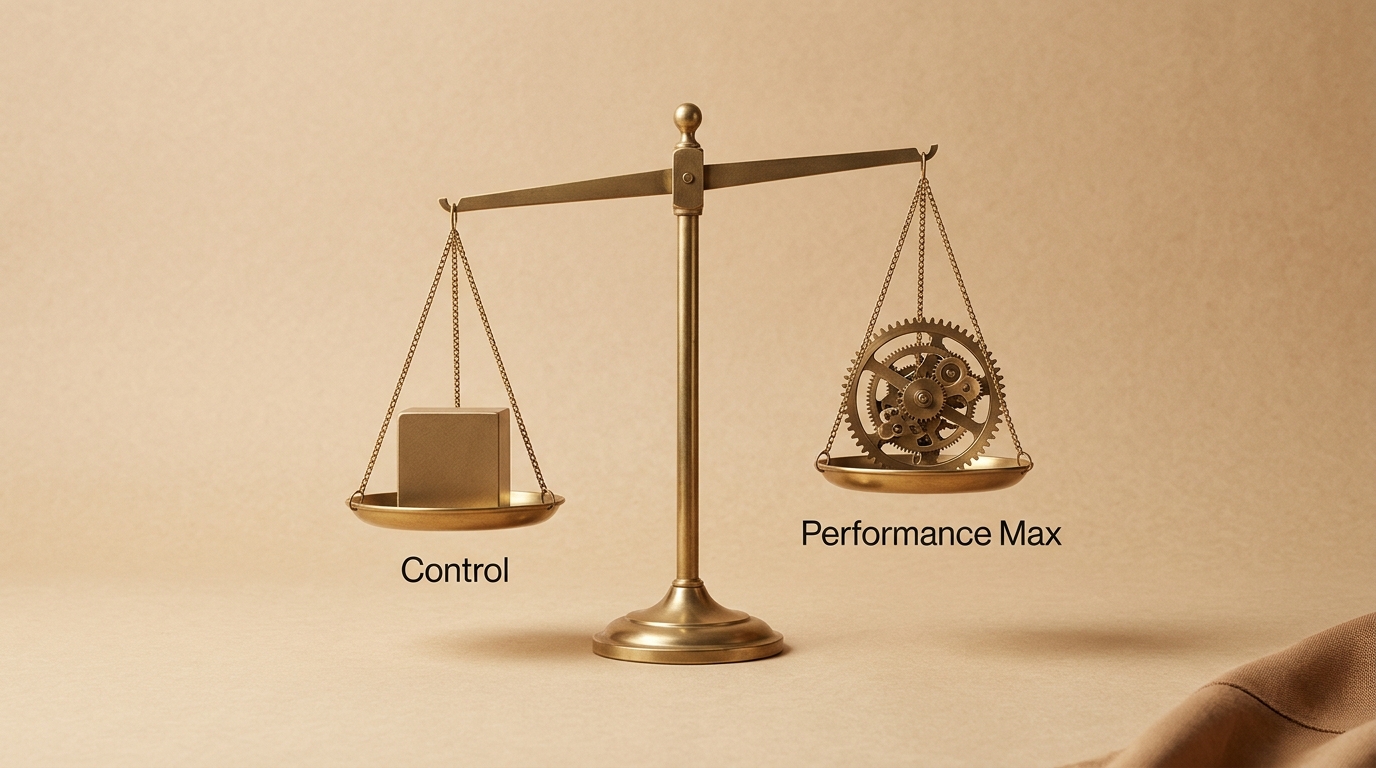
Performance Max vs. Search: A Direct Comparison
Understanding the core differences helps clarify where each campaign type fits into your strategy.
| Feature | Search Campaign | Performance Max |
|---|---|---|
| Ad Placements | Google search results and search partners. | Search, Shopping, YouTube, Display, Discover, Gmail, Maps. |
| Targeting Control | Advertiser-led (keywords). | Google AI-led, guided by assets and audience signals. |
| Level of Control | High. | Medium (improved since 2025). |
| Data Requirement | Can start without historical data. | Needs a steady stream of conversion data to optimize. |
| Creative Assets | Text ads only. | Text, images, videos, and (for e-commerce) a product feed. |
| Best For | New accounts, lead generation, high-intent keywords. | Mature accounts, e-commerce with a product feed, scaling reach. |
Which Campaign Should You Start With? A Decision Framework
These guidelines are based on what works for brands spending between ₹10 lakh and ₹1 crore per month on ads. They are practical rules, not official Google doctrine.
Start with a Search Campaign if:
- Your Google Ads account or conversion tracking is new and untested.
- You have no prior conversion history on the Google Ads platform.
- Your offering meets an existing, explicit demand (e.g., "buy winter jackets online").
- You operate in lead generation, where the quality of leads can vary significantly.
- Your primary goal is to learn which keywords and messaging drive conversions before scaling with automation.
Start with Performance Max if:
- You are an e-commerce brand with a well-structured Google Merchant Center product feed.
- Your conversion tracking is robust and verified, ideally with enhanced conversions enabled.
- Your account generates, or you can afford to generate, at least 30 conversions per month.
- You have a library of high-quality images and at least one video asset.
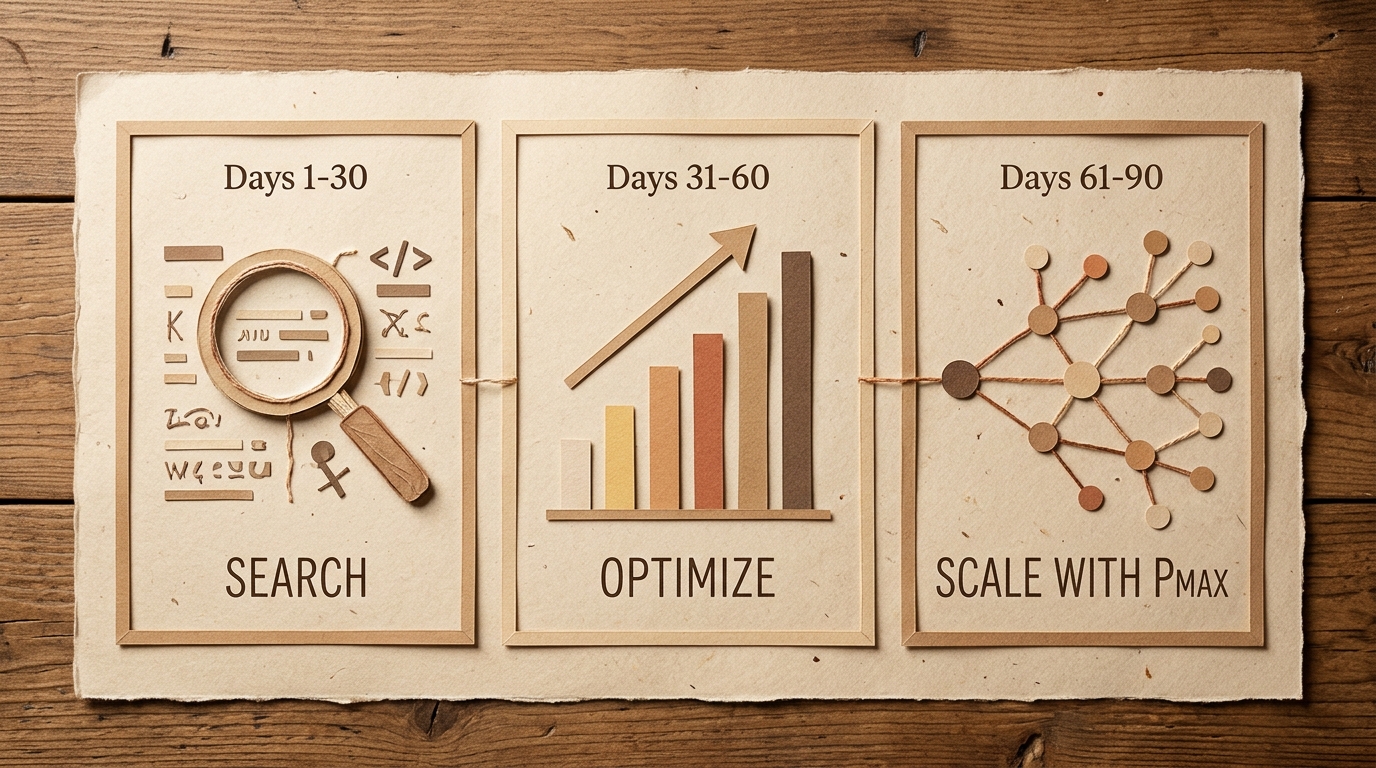
A 90-Day Google Ads Launch Plan
For a new account, a phased approach builds a strong foundation before you scale.
Days 1–30: Foundational Search Campaigns
Focus on 10-30 high-intent keywords using phrase and exact match types. Create 2-3 responsive search ads per ad group and direct traffic to your most relevant landing pages—not your homepage. Monitor the search terms report daily for the first week to build out your negative keyword lists.
Days 31–60: Optimize and Verify
Audit your tracking to ensure every conversion is recorded accurately. Shift budget toward the ad groups and keywords delivering the lowest cost per conversion. Once a campaign shows stable performance, test a smart bidding strategy like "Maximize conversions" with a target CPA set at your break-even point.
Days 61–90: Scale with Automation
If you're achieving 30+ conversions a month, it's time to launch Performance Max. Use a separate budget, populate it with your best-performing assets from your Search campaigns, and use your customer list as a primary audience signal. Alternatively, enable AI Max within your top-performing Search campaign to compare results over a 3-4 week period.
How EngageReel fits
Choosing between PMax and Search is just the start. Winning on Google Ads requires a constant feedback loop between creative assets and performance data. EngageReel is an AI ad performance platform built for fashion e-commerce that automates this loop. It analyzes creative performance across channels, identifies what’s driving ROAS—from hooks to models—and helps your team produce more of what works. When you're ready to scale beyond campaign types and optimize your creative, EngageReel provides the intelligence to do it profitably.
Common Mistakes to Avoid
- Launching PMax with broken tracking. The campaign will optimize for clicks or other low-value actions, wasting your budget.
- Making judgments too quickly. Give PMax at least 2-4 weeks to learn before making significant changes.
- Cannibalizing brand search. Always run a separate brand Search campaign and add brand exclusions to PMax.
- Ignoring new reporting features. Use the search term and channel reports to add negative keywords and refine your strategy.
- Optimizing for clicks instead of conversions. Your north star metric should always be cost per acquisition or return on ad spend.
Frequently asked questions
Is Performance Max better than Search campaigns?
Neither is universally "better." Performance Max offers broader reach and powerful automation that thrives on data. Search provides control and learning, which is critical in the early stages of an account. The best choice depends on your account's maturity and data quality.
Can you run Performance Max and Search at the same time?
Yes, this is a common and effective strategy. Google prioritizes Search campaigns for exact match keywords, so you can use a Search campaign to protect high-value terms while PMax explores broader opportunities. It's crucial to use brand exclusions in PMax to prevent it from taking credit for brand-driven conversions.
What is the minimum budget for Performance Max?
While there's no official minimum, a useful guideline is a daily budget of 2-3 times your target CPA. This gives the algorithm enough data to exit the learning phase and optimize effectively. For a ₹1,500 CPA, this would mean a daily budget of ₹3,000-₹4,500.
Can I add negative keywords to Performance Max?
Yes. As of recent updates, you can add negative keywords at the campaign level and use negative keyword lists. Account-level negatives also apply. This is a critical tool for preventing spend on irrelevant search terms.
How is AI Max for Search different from PMax?
AI Max for Search is an optional feature within a standard Search campaign. It adds automated features like broad matching and URL expansion but keeps the core structure and reporting of a Search campaign. PMax is a standalone campaign type that runs across all of Google's channels, not just Search.