
Google Ads Quality Score: What It Is and How to Improve It (2026)
Quality Score is one of the most misunderstood metrics in Google Ads. This guide explains what it measures, why it matters for your ad costs, and how to improve it.
- What Quality Score is in Google Ads
- The three components of Quality Score
- Where to find your Quality Score
- Why Quality Score impacts your ad rank and costs
- How to improve each component of your score
- Common myths about Quality Score
When you open your Google Ads keywords report, you see a column of numbers from 1 to 10. Some keywords score an 8, while others are stuck at 3. What does this number actually mean, and how much should you worry about it?
Quality Score is one of the most useful diagnostic tools in Google Ads, but it's also one of the most frequently misunderstood. This guide breaks down what it really measures, where to find it, and how to make practical improvements that lower your costs.
What Exactly Is Google Ads Quality Score?
Quality Score is a 1-to-10 rating assigned to each keyword in your Search campaigns. It provides an estimate of how your ads and landing pages stack up against other advertisers competing for the same keyword over the last 90 days. Crucially, Google defines Quality Score as a diagnostic tool, not a direct factor in the ad auction. Think of it like a warning light on a car's dashboard—it doesn’t control the engine, but it signals that something needs your attention.
Breaking Down the Three Components of Quality Score
Your overall Quality Score is determined by three components, each rated as Above average, Average, or Below average. These ratings are more actionable than the 1-10 number because they tell you exactly what to fix.
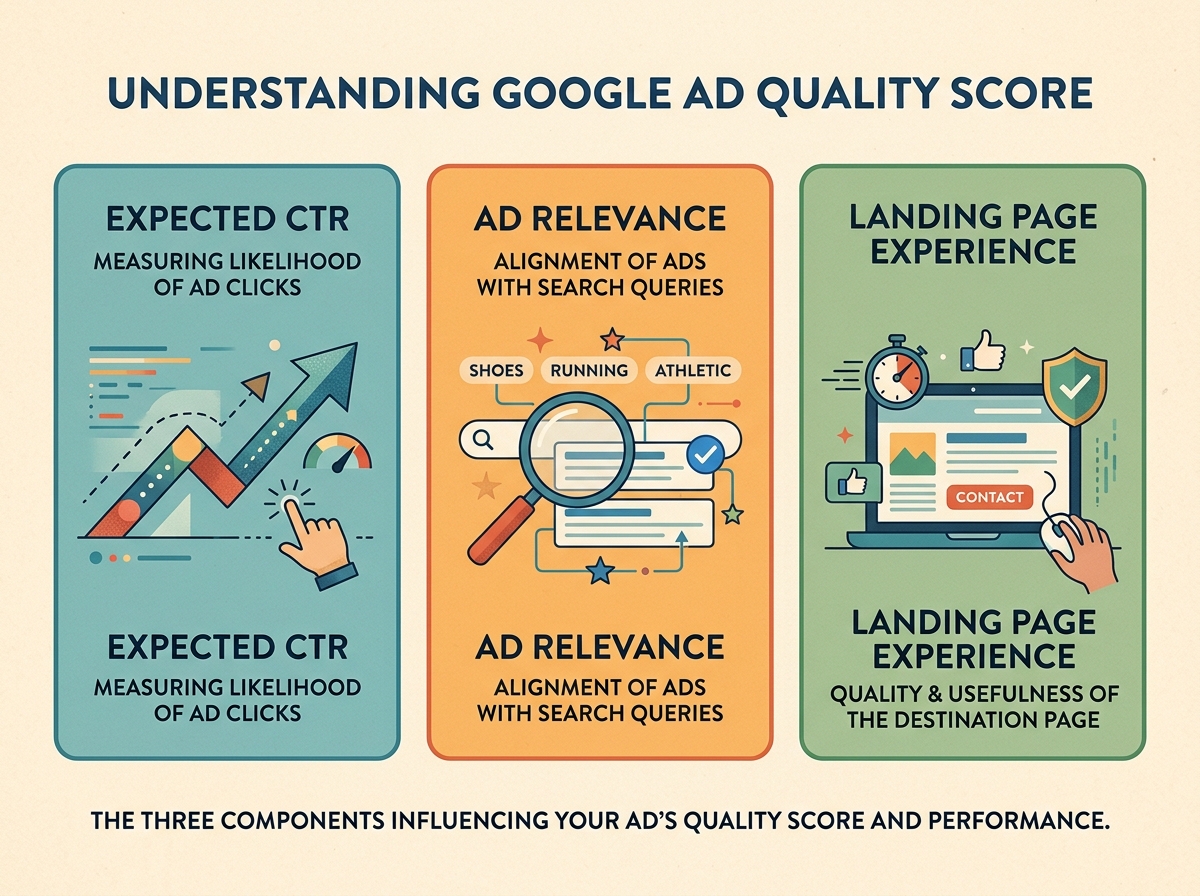
1. Expected Click-Through Rate (CTR)
This component predicts the likelihood that your ad will be clicked when shown for a specific keyword, relative to how other advertisers' ads perform for that same keyword.
2. Ad Relevance
This measures how well your ad's message aligns with the user's intent behind their search query. A highly relevant ad speaks directly to what the searcher is looking for.
3. Landing Page Experience
This evaluates how relevant, useful, and user-friendly your landing page is to someone who clicks your ad. Key factors include load speed, mobile-friendliness, and clear navigation.
How to Find Your Quality Score in Google Ads
You can add Quality Score and its component columns to your keyword reports by following these steps:
- Navigate to a Search campaign in your Google Ads account and select Keywords.
- Click the Columns icon above the performance table.
- In the "Modify columns" view, search for and add "Quality Score," "Exp. CTR," "Ad relevance," and "Landing page exp."
- You can also add the historical versions of these columns (e.g., "Qual. score (hist.)") to track changes over time.
- Sort your keywords by cost or impressions to prioritize your optimization efforts.
Why Does Quality Score Matter?
Your ad's position and cost-per-click are determined by Ad Rank. As Google explains, Ad Rank is a calculation that combines your bid with several quality-related factors, including the context of the search, your ad assets, and the same signals that Quality Score measures. By improving the components of your Quality Score, you directly improve the quality inputs of Ad Rank, enabling you to achieve better ad positions at a lower cost without simply raising your bid.
Actionable Steps to Improve Each Component
Focus on fixing any component that is rated "Below average," starting with the keywords that account for the most spend.
| Component | If "Below average," try... |
|---|---|
| Expected CTR | Integrate the keyword's theme into your headlines, feature compelling offers or prices, include a clear call to action, and add assets like sitelinks and callouts. |
| Ad Relevance | Break down broad ad groups into tightly focused themes. Write ad copy that is highly specific to each theme and uses the language of your target audience. |
| Landing Page Experience | Ensure your ad clicks through to the most relevant page, not your homepage. The landing page should fulfill the promise made in the ad, load quickly on mobile devices, and have a clear, obvious next step for the user. |
Improving Expected CTR
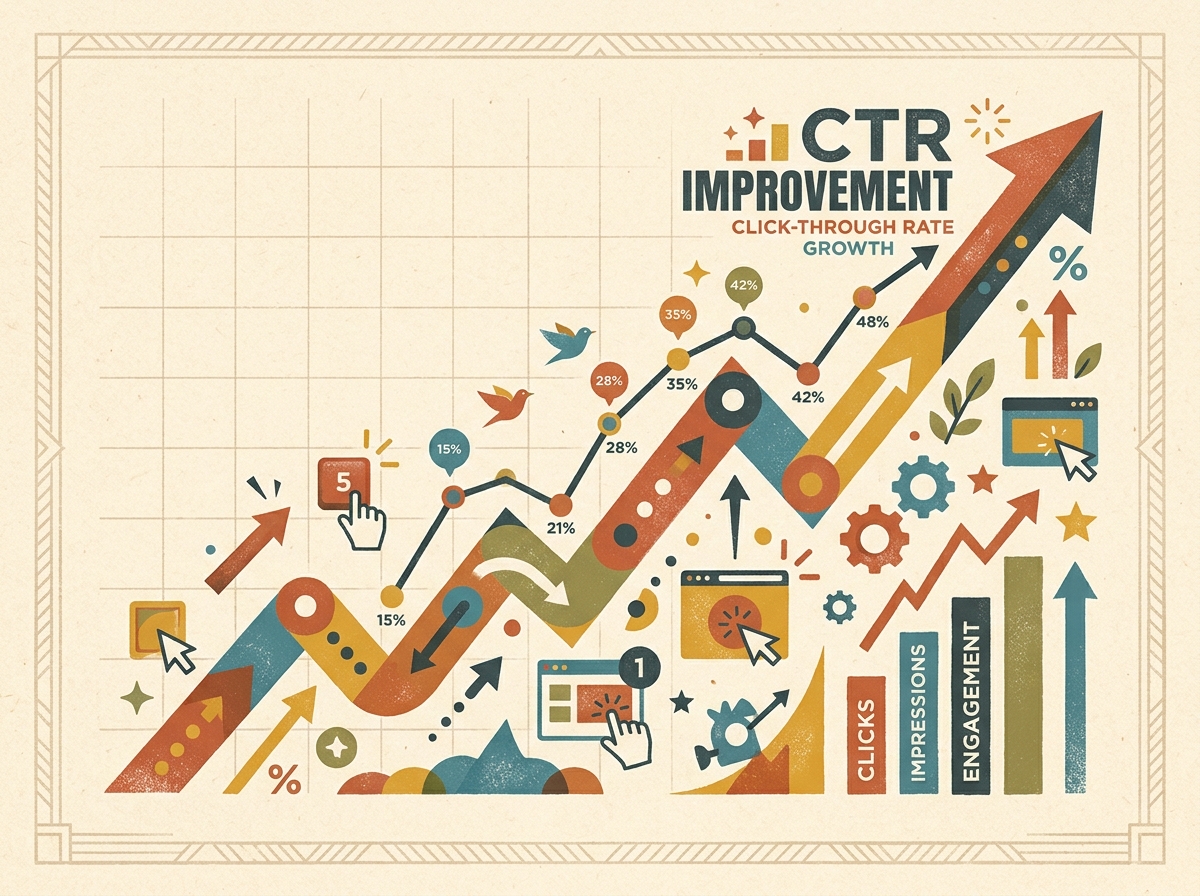
- Use Responsive Search Ads with multiple distinct and compelling headlines.
- Provide a clear incentive to click, such as a price, special offer, delivery time, or free trial.
- Implement relevant ad assets, including sitelinks, callouts, structured snippets, and location assets.
- Use negative keywords to prevent your ads from showing on irrelevant searches that are unlikely to get clicks.
Improving Ad Relevance
- Organize your keywords into tightly themed ad groups. For example, separate "cold-pressed coconut oil" from "coconut oil for hair."
- Write ad copy that directly addresses the specific theme of each ad group.
Improving Landing Page Experience
- Direct each ad group to the most specific and relevant landing page.
- Maintain consistency between your ad headline and your landing page headline.
- Optimize for mobile load speed by compressing images and eliminating unnecessary scripts. Our guide to Core Web Vitals provides more detail.
- Ensure that contact information, pricing, and the primary call-to-action are easy to find.
Prioritize by Spend
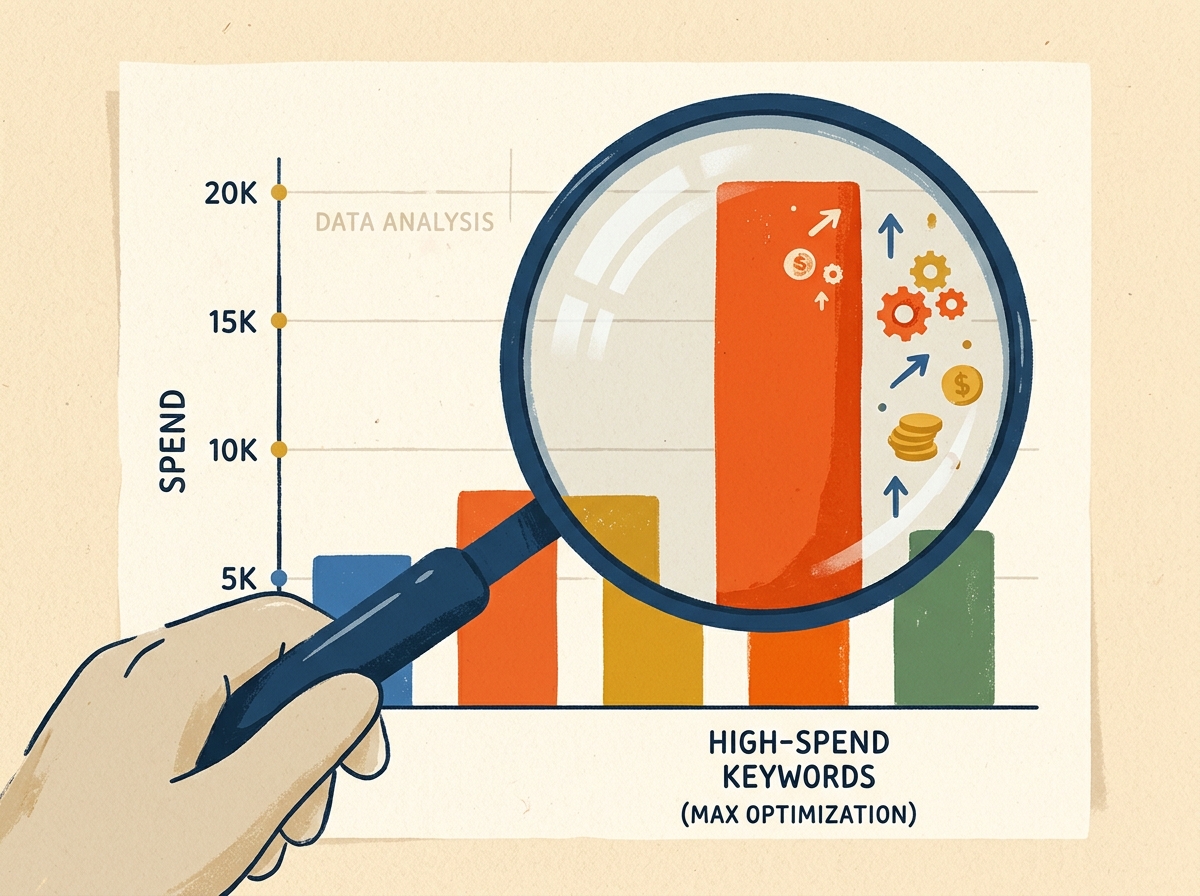
Don’t attempt to optimize every keyword at once. Focus your efforts on the 10-20 keywords with the highest spend and address their "Below average" components first.
Debunking Common Myths About Quality Score
"A higher Quality Score guarantees lower costs."
While a higher score often leads to lower costs, it's not a guarantee. Factors like competition, bid strategy, and search context still play a significant role. Use Quality Score as a guide, not a final verdict.
"You should pause any keyword with a score below 5."
This is a common mistake. A keyword with a score of 4 that generates profitable conversions is a valuable asset. Always judge keywords based on their cost per conversion first, then use Quality Score as a tool for optimization.
Navigating Quality Score in an AI-Driven World
With the expansion of broad match keywords and AI-powered campaign types like Performance Max, ad relevance is more critical than ever. Maintaining tightly themed campaigns, optimizing landing pages, and regularly reviewing search term reports ensures that AI works to your advantage.
Final Thoughts on Quality Score
Quality Score is a diagnostic that reveals where your ads and landing pages are underperforming compared to the competition. By systematically addressing the components rated "Below average"—starting with your highest-spending keywords—you will almost always see improvements in your ad positions and costs.
Frequently asked questions
What is a good Quality Score?
A score of 7-10 is generally considered good, indicating that your ads and landing pages are performing at or above the level of your competitors. However, instead of chasing a specific number, focus on improving any component rated "Below average."
Does Quality Score affect cost per click (CPC)?
While Quality Score itself is a diagnostic, the factors it measures—expected CTR, ad relevance, and landing page experience—are key inputs in Google's Ad Rank calculation. A higher Ad Rank can lead to a lower CPC.
Why is there no Quality Score for my keyword?
Quality Score is only calculated once a keyword has accumulated enough impressions for Google to have sufficient data. New or low-volume keywords may show a null value (—) until they meet this threshold.
Do Performance Max campaigns have a Quality Score?
No, Quality Score is a metric specific to keywords in Search campaigns and is not reported in Performance Max campaigns.
How long does it take to see improvements in Quality Score?
The components of Quality Score are updated as new performance data becomes available. After making improvements to your ads or landing pages, allow a few weeks of consistent impressions to accurately gauge the impact on your score.