
Meta Ads Optimization for Lead Generation: Cut the Cost of a Customer, Not Just a Lead
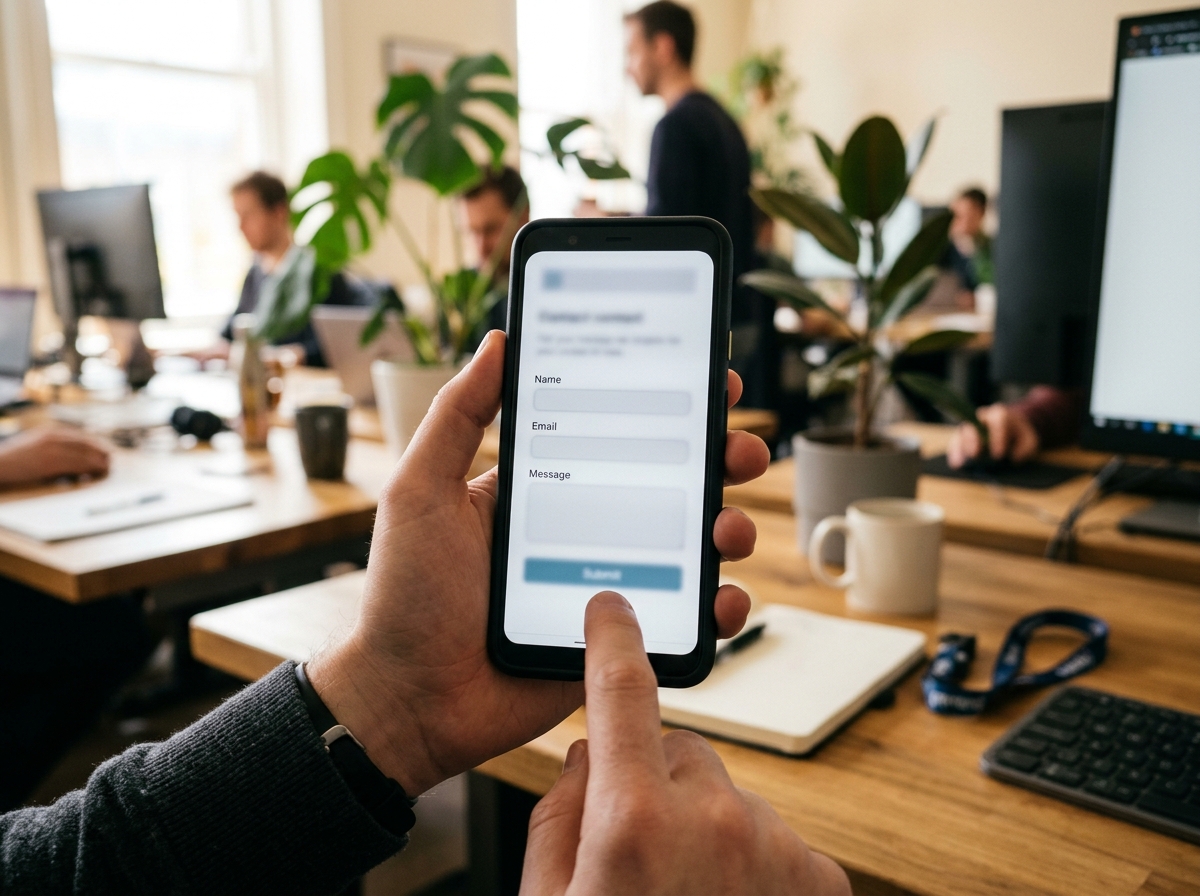
Cheap form fills are easy to acquire but rarely convert. This guide explains how to configure Meta lead campaigns to identify and target users who are likely to become actual customers by leveraging your CRM data, improving form design, and ensuring rapid lead follow-up.
- Understand why inexpensive Meta leads often fail to generate revenue.
- Select the optimal lead generation channel based on your market and deal size.
- Utilize Conversion Leads to feed sales outcomes back into Meta's algorithm.
- Recognize the critical role of lead response time in shaping Meta's learning process.
How do you shift Meta's algorithm from finding form-fillers to finding future customers? The key is to train it. By choosing the right lead channel, filtering out low-intent prospects within your forms, integrating CRM data via the Conversions API, and responding to leads within minutes, you teach Meta to prioritize lead quality and measure success by cost per customer, not just cost per lead.
Why Inexpensive Meta Leads Often Fail to Deliver Revenue
The core issue with cheap leads is that Meta's default optimization rewards form submissions, not sales outcomes. When using goals like "Maximize number of leads," the algorithm targets individuals most likely to complete a form, a group that is fundamentally different from those most likely to make a purchase.
Without a feedback loop from your CRM, Meta remains unaware of which leads convert, preventing it from learning the characteristics of a high-quality prospect. This article focuses specifically on lead generation; for a broader overview, consult our complete 2026 guide to Meta ads.
Focus on Cost Per Customer, Not Just Cost Per Lead
Cost per lead (CPL) is a deceptive metric because it ignores the conversion rate, which ultimately determines profitability. A higher CPL combined with a superior close rate frequently yields a much better financial outcome.
Illustrative Example: Two Lead Campaign Setups
Consider a hypothetical education company spending ₹30 lakh monthly on Meta ads to sell a ₹60,000 course.
Setup A uses a "More volume" form objective. Setup B employs a "Higher intent" form with a qualifying question and the Conversion Leads goal.
Cost per Customer = CPL / Close Rate
Setup A: ₹300 CPL / 2% Close Rate = ₹15,000 per customer
Setup B: ₹800 CPL / 10% Close Rate = ₹8,000 per customer
Assuming each sale generates ₹24,000 in contribution margin, Setup B is dramatically more profitable and requires the sales team to contact 6,250 fewer leads.

How to Select the Right Lead Channel for Your Business
The ideal channel depends on your target market and the complexity of the sale. Use Instant Forms for high-volume campaigns with Conversion Leads, click-to-WhatsApp in conversational markets, and website forms for high-ticket items requiring detailed information.
| Channel | Best Use Case | Meta Optimization Method | Key Consideration |
|---|---|---|---|
| Instant Form | Most markets; requires filtering | Conversion Leads or Maximize Leads | Low friction can attract low-quality leads. |
| Click-to-WhatsApp | India, GCC, SEA; mid-ticket sales | Leads objective with WhatsApp destination | Requires immediate, conversational responses. |
| Website Form | High-ticket, B2B, complex products | CRM events via Conversions API | Higher CPL and potential user drop-off. |
Meta case studies, summarized by Spur, show that Indian fitness brand Nutryfit achieved a 12% lower cost per lead by shifting to a lead optimization goal for its WhatsApp campaigns in 2025. Similarly, ed-tech company Learnwise generated 4x more qualified leads at a 31% lower cost using WhatsApp Flows (Spur, 2026).
Design Your Instant Form to Filter, Not Just Collect
An effective Instant Form acts as a gatekeeper, screening out unqualified leads before they reach your sales team. Meta offers form types like "More volume" and "Higher intent," with the latter adding a review step to improve lead quality.
Essential Controls for Filtering Low-Quality Leads
- Qualifying Questions: Use a multiple-choice question about budget, timeline, or another key factor to disqualify unsuitable prospects.
- Limited Fields: While Meta allows up to 15 questions, every additional field reduces completion rates. Keep it concise.
- Clear Next Steps: Guide qualified leads on the thank-you screen with a link to book a meeting or connect on WhatsApp.
- Work Email for B2B: Prompt for a business email address to filter out non-commercial inquiries.
Note: Published forms are often unchangeable. Third-party guides suggest that you must duplicate a form to edit it. Double-check all settings, links, and CRM mapping before going live.

Leverage Conversion Leads to Send Sales Outcomes to Meta
The Conversion Leads objective instructs Meta to find users who are likely to complete a specific CRM action, rather than just submitting a form. According to Meta's documentation, this is currently exclusive to Instant Forms and requires a CRM integration via the Conversions API.
Checklist for Implementing Conversion Leads
- Use Instant Forms as your lead collection method.
- Generate a minimum of 200-250 leads per month.
- Ensure the Meta lead ID is stored in your CRM for every lead.
- Upload CRM stage data back to Meta at least daily.
- Select a target CRM stage that 1-40% of leads achieve within 28 days.
Choosing the Right CRM Stage for Optimization
Select the most meaningful stage that meets the volume and time-window requirements. For businesses with long sales cycles, a "won" deal is often too infrequent or delayed. A proxy like "Sales-Qualified Lead" or "Appointment Booked" is usually more effective.
Third-party analysis suggests that campaigns using Conversion Leads see an average of 21% lower cost per quality lead (SalesGem). Validate this in your own account by A/B testing against your current setup.
How Lead Response Speed Shapes Meta's Learning
Rapid follow-up not only converts more leads but also provides a cleaner data signal to Meta's algorithm. When a high-quality lead is neglected and marked as "unqualified," Meta incorrectly learns that similar users are poor prospects.
A Follow-Up Process to Protect Data Integrity
- Automate lead syncing between Meta and your CRM to eliminate delays.
- Trigger an instant automated SMS or WhatsApp message upon form submission.
- Establish a service-level agreement (SLA) for human follow-up, such as within 15 minutes during business hours.
- Diligently log all call outcomes in the CRM to maintain accurate stage data.
How EngageReel Fits
EngageReel is an AI ad performance and creative platform for fashion eCommerce. It closes the loop between ad spend and creative strategy by identifying what converts and automating the production of the next winning ad. By connecting creative elements directly to sales outcomes, EngageReel ensures your budget is always funding what works, transforming your ad account into a continuous learning engine. Learn more at EngageReel.com.
Frequently asked questions
What is the difference between Maximize Leads and Conversion Leads on Meta?
Maximize Leads optimizes for the highest number of form submissions, regardless of quality. Conversion Leads optimizes for a specific, valuable action within your CRM (like "Appointment Booked"), using data sent back through the Conversions API to find users more likely to become customers.
How many leads are needed to use Meta's Conversion Leads objective?
Meta's documentation suggests a minimum of 200 leads per month, though some partners recommend aiming for 250+ to ensure stability. You also need a target CRM stage that 1-40% of leads reach within 28 days.
Does Conversion Leads work with website forms?
Currently, Meta states that the Conversion Leads objective is only available for Instant Forms. For website-based campaigns, you can achieve a similar outcome by creating a custom conversion event for a qualified lead and optimizing for that event.
Should I use 'More Volume' or 'Higher Intent' forms?
Use 'Higher Intent' when lead quality is a significant problem, particularly for high-value offers. This form type adds a review screen and may deter low-intent submissions, but be aware that guides citing Meta's Help Center state it has more limited ad placements, which can increase CPL.
How quickly should I follow up with a new Meta lead?
As fast as possible. Best practice is to send an automated message instantly and have a sales representative follow up with a call within 15 minutes. Slow response times not only lose sales but also corrupt the data signal that Meta's algorithm learns from.
References
- Meta for Business — Lead ads with Instant Forms (2026)
- Search Engine Land — Meta Advantage+ campaign setup for leads campaigns (2025)
- WordStream — Facebook Ads Benchmarks (2026)
- Spur — Click-to-WhatsApp ads benchmarks and Meta case studies (2026)
- SalesGem — Conversion leads optimization with your CRM (2026)